Project Manager
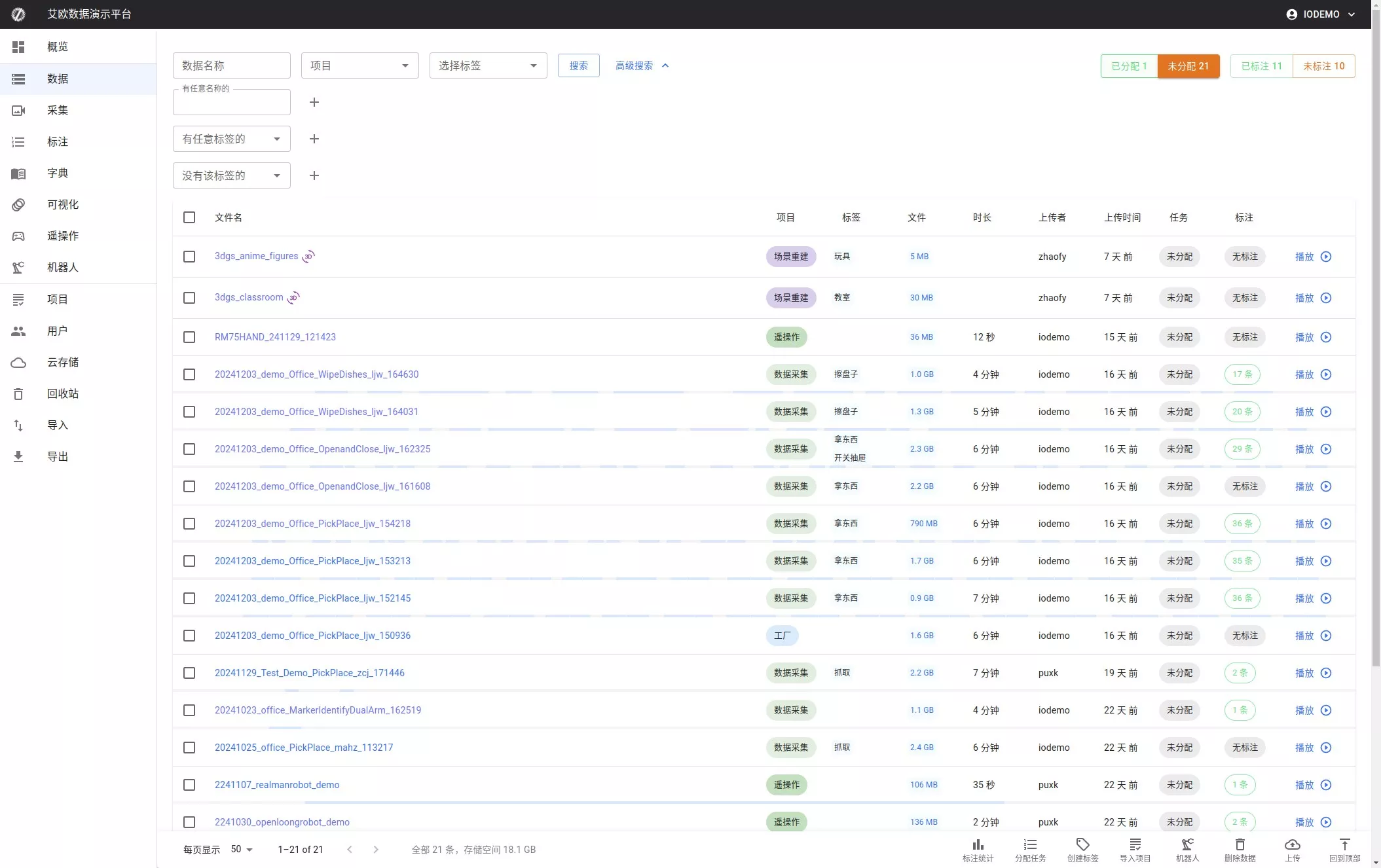
1. Select Unassigned Data
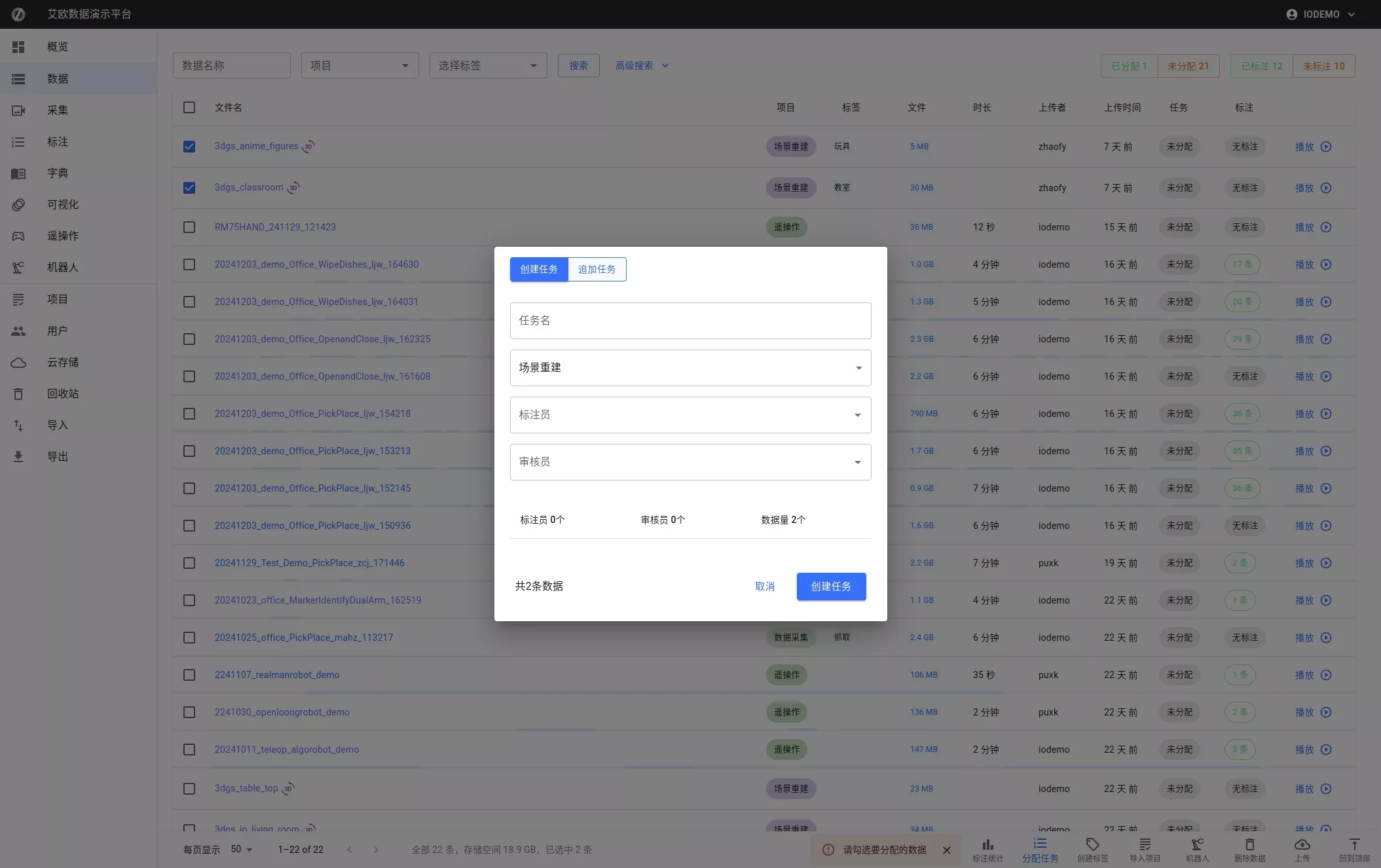
2. Create New Task
Click the "Create Task" button, fill in the task details (e.g., task name, labels, etc.), and save.
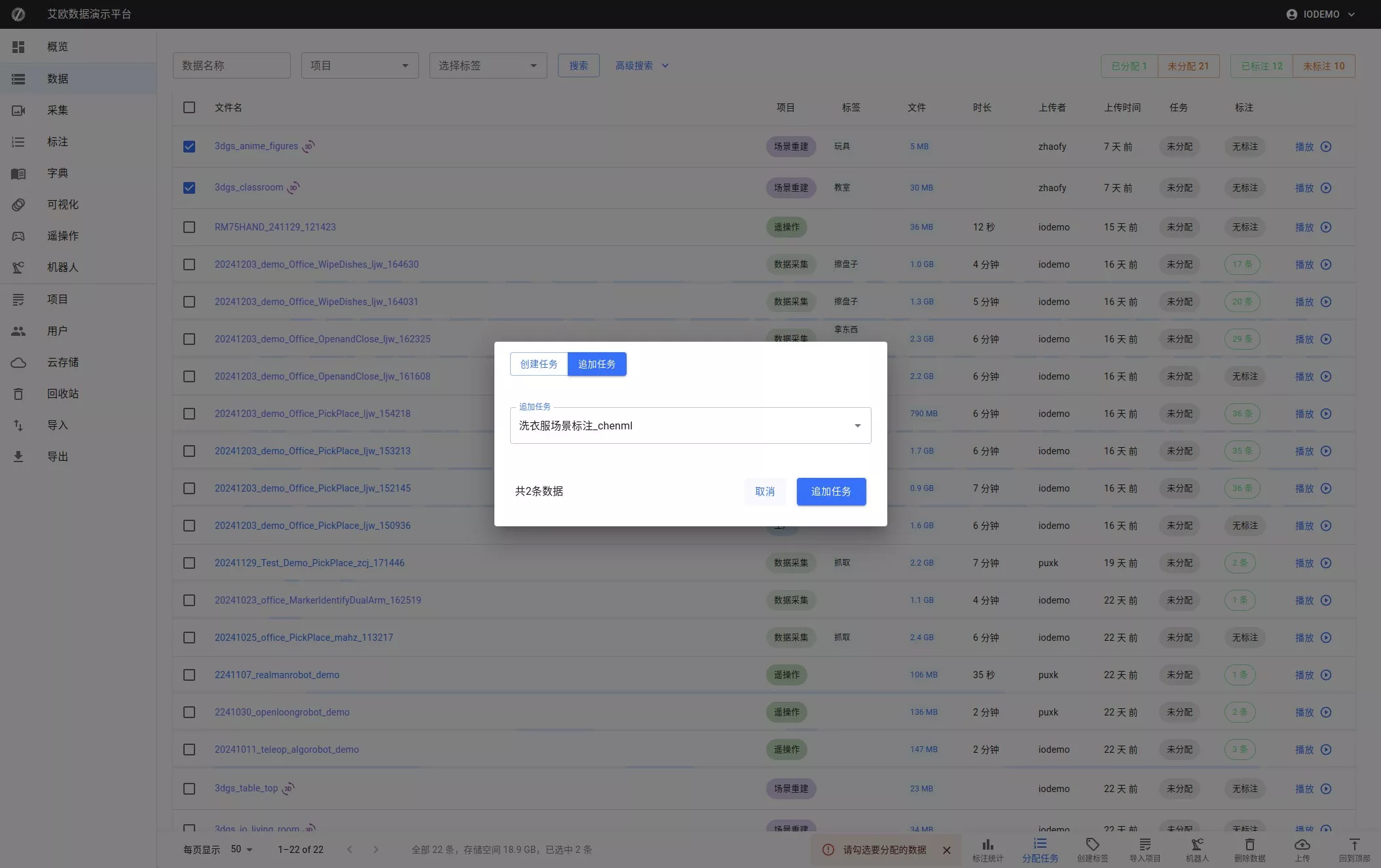
3. Append to Existing Task
Click the "Add Task" button and select the task to append data to.